Custom HUD pages
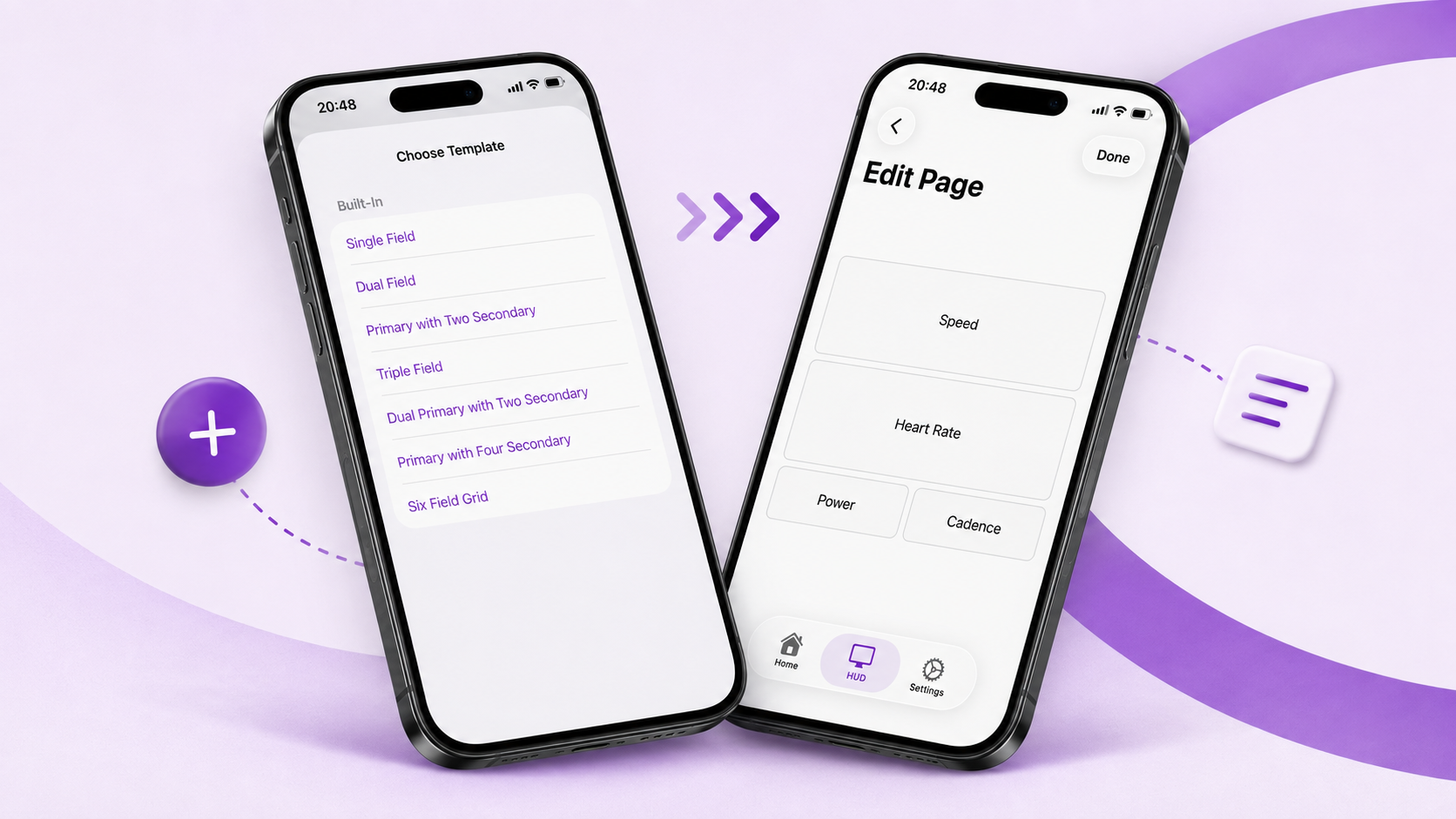
Design pages around the metrics you want to see, then preview every layout before an activity.
BETA · ACTIVELOOK ENGO 2
Build the HUD around the way you move — choose from around 40 live metrics, design your own pages and switch them with Siri, a Shortcut or a glasses gesture.


PLINK APP
Create multiple pages, assign the information that matters to each slot, preview every layout and switch views whenever you need them.
Build custom HUD pages, choose the information that matters and control how your view changes.
Design pages around the metrics you want to see, then preview every layout before an activity.
Switch pages with Siri, an Apple Shortcut or a glasses gesture.
Plink reconnects when the link drops and keeps stale values from lingering in view.
Install Plink, connect your setup and build the first HUD page you want to see.
Download the Plink app and add the free data field from Garmin Connect IQ.
Open Plink and pair your glasses.
Choose a layout, assign metrics and preview it live.
Create pages for different moments, choose the metrics that matter, preview each layout and reorder pages whenever you want.
Switch pages with Siri, an Apple Shortcut or a tap on the temple.
Plink currently works with ActiveLook Engo 2, iPhone with iOS 18+, a compatible Garmin Edge and the free Plink Connect IQ data field.
Check compatibility & setupPLINK COMMUNITY
Ask a question, share a setup, suggest an improvement or report a bug. Every conversation helps make Plink more useful in motion.
Join the Plink communityPlink is beta. Known issues are public and current — read them before installing.